

Prerequisite You should have installed Node.js (version 18.10.0 or
higher).
apps/docs, where docs.json lives) and run the following command:
http://localhost:3000.
Custom Ports
Mintlify uses port 3000 by default. You can use the--port flag to customize the port Mintlify runs on. For example, use this command to run in port 3333:
Mintlify Versions
Each CLI is linked to a specific version of Mintlify. Please update the CLI if your local website looks different than production.Deployment
You should see the following if the deploy successfully went through: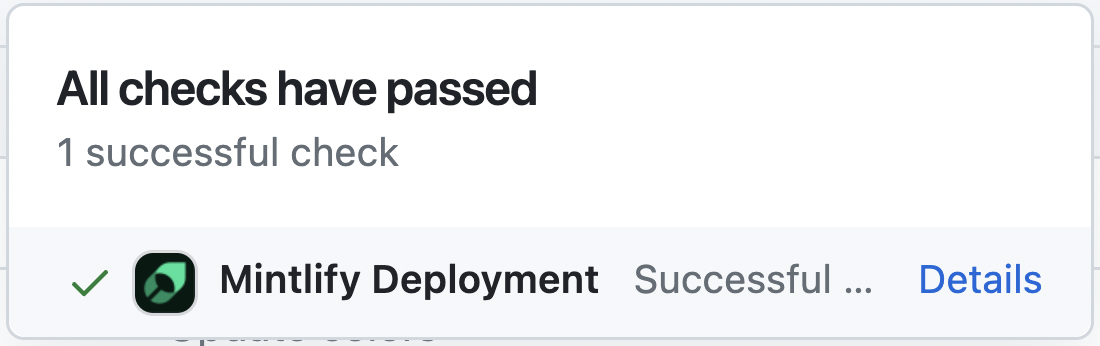
Troubleshooting
Here’s how to solve some common problems when working with the CLI.Mintlify is not loading
Mintlify is not loading
Update to Node v18. Run
mintlify install and try again.No such file or directory on Windows
No such file or directory on Windows
Go to the
C:/Users/Username/.mintlify/ directory and remove the mint
folder. Then Open the Git Bash in this location and run git clone https://github.com/mintlify/mint.git.Repeat step 3.Getting an unknown error
Getting an unknown error
Try navigating to the root of your device and delete the ~/.mintlify folder.
Then run
mintlify dev again.